
The Future of Video Creation? It’s here, and it’s AI-powered.
In the past, creating videos for content required big, hardworking teams and large budgets. Anyone can now produce videos faster, cheaper, and with greater creativity and variety thanks to AI.
However, this goes beyond simply automating your tasks. It’s all about smart video creation. Generative AI video tools help users make high-quality videos faster than ever before. They also make it easier to scale and personalize content without spending too much.
These generative AI video tools can do wonders, like turning written scripts into animated videos or creating realistic digital avatars that speak different languages, and much more.
They’re changing how videos are made.
Generative AI is enabling everyone to produce videos more easily and affordably, regardless of whether they are marketers, independent creators, or startups.
This article will tell you about 8 of the top generative AI video tools for today and beyond. These tools are used by marketers, educators, companies, and creators to make amazing videos without a big production team.
Understanding Generative AI Video Tools
What are generative AI video tools?
Generative AI video tools refer to smart technology that can create or edit videos on its own. These tools use deep learning to produce scripts, visuals, animations, voiceovers, and even virtual avatars, often starting from just a short text or simple user input.
Important Benefits of Generative AI Video Tools
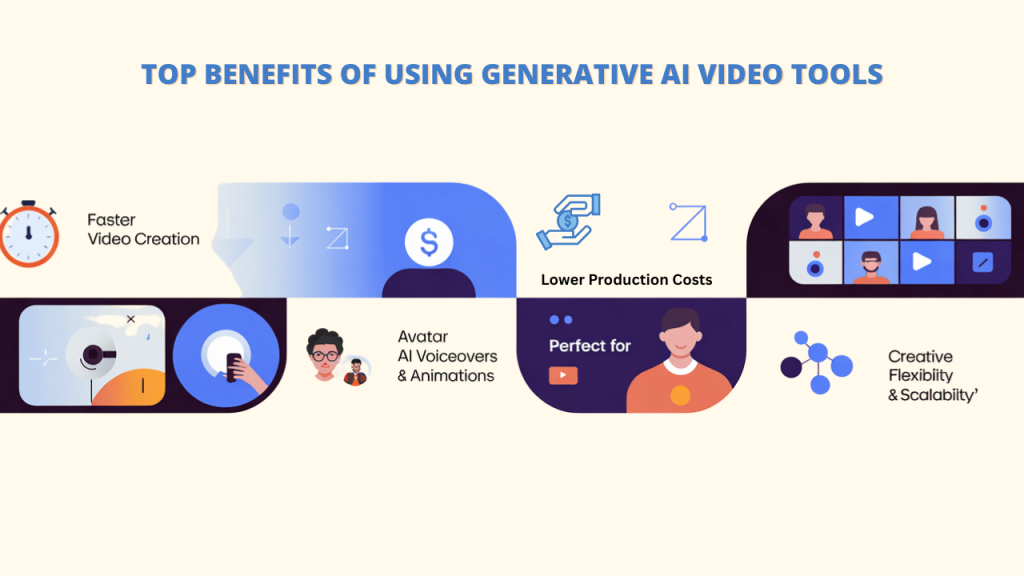
Using generative AI video tools to create videos has revolutionary benefits.
➔Much faster video creation
You can now complete tasks that used to take weeks in a matter of hours or minutes. With the right generative AI video tools, you can automatically generate video scenes, add voiceovers, and create animations quickly and easily.
➔ Lower production costs
You don’t need costly equipment or a big team anymore. Even a single person with a laptop can make high-quality videos without spending a lot of money.
➔ Access to animation, voiceovers, and avatars
You can build talking avatars, produce realistic voiceovers in different languages, and make animated content all without expert skills. For example, tools like VIDKO can turn a still image into a moving video.
➔ Creative flexibility and scalability
Easily create multiple versions of a video or personalize it for different audiences. You can scale your video production without needing more time, money, or people.
➔ Perfect for Modern Content Creators
You can be a YouTuber, a marketer, a teacher, or start your own business; these AI tools allow you to create quality videos without the need for a production team. Everyone can now create videos more easily and affordably thanks to them.
Top (8) Generative AI Video Tools
1. VIDKO
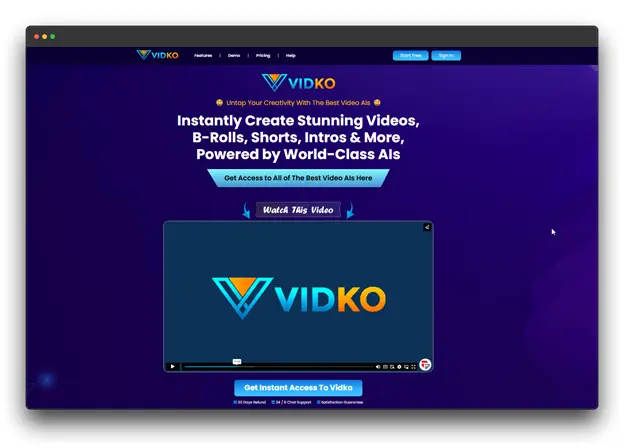
What exactly is VIDKO?
An ever-growing collection of intelligent AI models is available to users of the state-of-the-art generative AI video tool platform VIDKO. It helps you create videos in many styles, such as live-action, animation, anime, or even 3D, without needing expensive gear or deep technical knowledge.
Key Benefits of VIDKO
➕ Automated social media video creation
➕ Ensuring access to trending AI models
➕ Multi-AI Video Generation
The ideal users
Social media managers, content creators, agencies, and small business owners who want to post regularly and stay active online.
Things to Note
Limited avatar customization.
Pricing
Typically starts around $17/month for basic plans
2. HeyGen
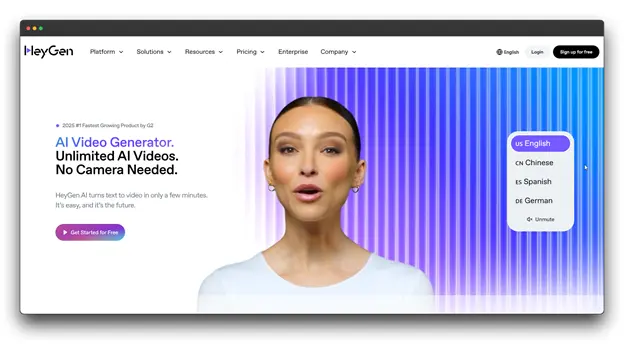
What exactly is HeyGen?
Similar to a known tool, HeyGen is a generative AI video tool that specializes in creating videos with lifelike virtual presenters and avatars. It’s especially useful for creating personalized video messages, and it even allows you to clone your avatar to look like yourself.
Key Benefits of HeyGen
➕Creates realistic avatars with natural facial expressions
➕Supports multiple languages
➕Allows you to customize the avatar’s look
The ideal users
Business professionals, teachers, marketers, and anyone who wants to create presenter-style videos without recording themselves on camera.
Things to Note
The quality of the avatar can vary based on the one you choose. Some characters might still look a bit unrealistic to sharp-eyed viewers.
Pricing
Basic plans usually begin at $29 per month, with more features available in higher-tier plans.
3. Pictory AI
What exactly is Pictory AI?
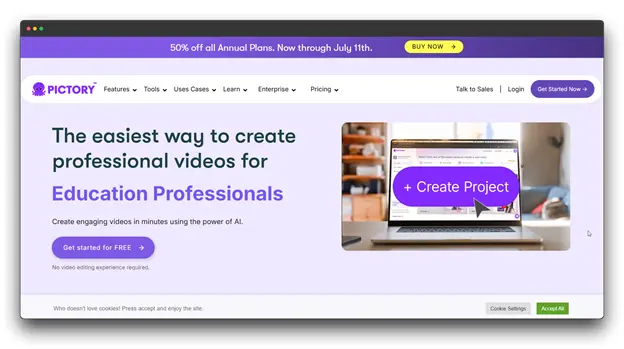
Long-form content, including blog posts, articles, and scripts, can be transformed into concise, interesting video summaries using Pictory’s generative AI video tool. Highlight reels and content repurposing are two areas in which it excels.
Key Benefits of Pictory AI
➕ Shortens and sums up content by default
➕ Converts blog posts into videos
➕ Offers a large library of stock videos
The ideal users
Content marketers, bloggers, educators, and businesses that want to turn written content into videos for better reach and engagement.
Things to Note
The AI might miss small but important details when summarizing. It’s a good idea to review and edit the video before publishing.
Pricing
Team plans usually start at $60 per month.
4. RunwayML
What exactly is RunwayML?
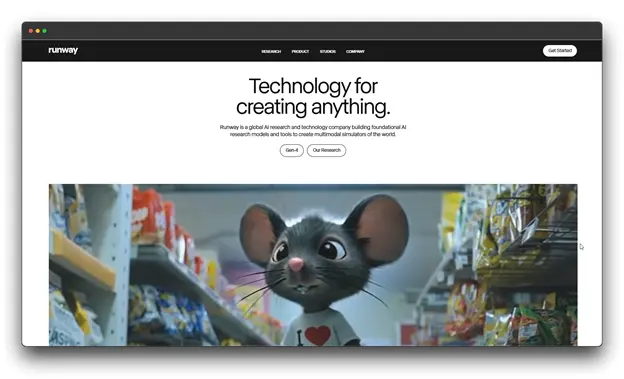
Advanced features like converting text into videos, altering specific video segments (video inpainting), and applying various visual styles are all available with RunwayML, a potent AI video creation tool. It’s known as one of the most advanced platforms in the AI video creation space.
Key Benefits of RunwayML
➕Converts text into videos using advanced technology
➕ Customizable for unique video styles.
➕ Offers smart tools for editing and changing video content
➕ Delivers high-quality, professional results
The ideal users
Professional video creation editors, filmmakers, ad agencies, and experienced content creators who need more control and quality.
Things to Note
It can be harder to learn compared to simpler tools, and the premium features might be costly for casual users.
Pricing
Basic plans generally begin at $28 per month for individuals or small teams.
5. Descript
What exactly is Descript?
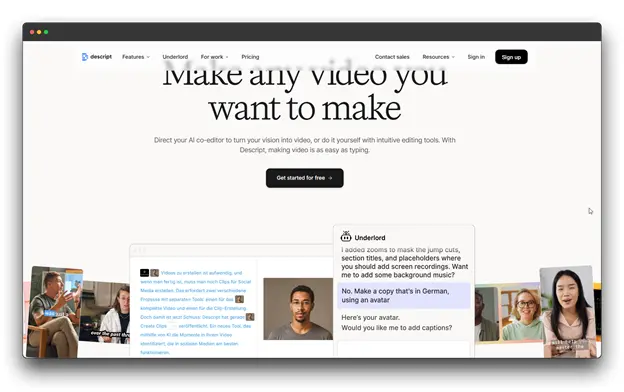
Descript, which is relatively simple to use and works magically, is revolutionizing video editing. Podcasts are also a great help for new creators. Instead of using timelines and cuts, simply change the words in the transcript to update your video. The ability to edit text is one of its best features.
Key Benefits of Descript
➕Automatically creates transcripts
➕Includes voice cloning tools.
➕Offers team-friendly collaboration features
The ideal users
Podcasters, educators, video creators, and teams who need to work together on video editing.
Things to Note
People used to traditional editing software might need some time to learn it. Also, using voice cloning responsibly is important and should be done with clear permission and disclosure.
Pricing
Paid plans for creators typically start at $24 per month.
6. DeepMotion
What exactly is DeepMotion?
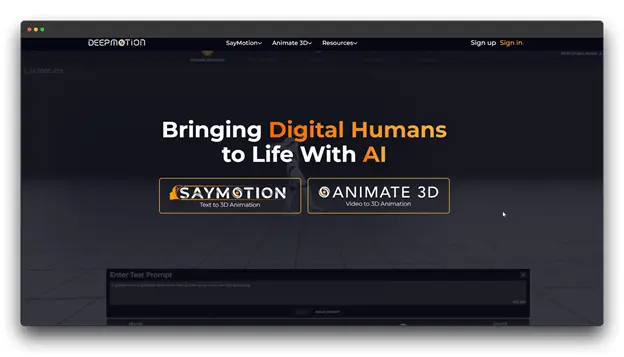
When it comes to AI-powered motion capture and animation, DeepMotion is the place to be. You will also notice that DeepMotion can create realistic human animations from video or text descriptions.
Key Benefits of DeepMotion
➕ Uses advanced AI for motion tracking
➕ Creates natural-looking human movements
➕ Works without needing expensive motion capture equipment
The ideal users
3D animators, game developers, filmmakers, and anyone working on character-based animations.
Things to Note
You’ll need some technical know-how to get the best results. To refine the final animation, additional 3D software editing is frequently required.
Pricing
Professional plans usually start at $117 per month, depending on how much you use them.
7. Synthesia
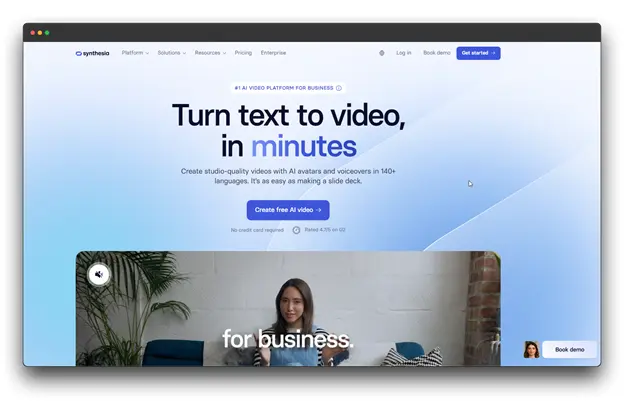
What exactly is Synthesia?
You can create stunning videos with lifelike AI characters with Synthesia, a generative AI video tool. It’s known for producing professional-looking videos without needing to reshoot or appear on camera.
Key Benefits of Synthesia
➕ Top-quality AI avatars in the industry
➕ Choose from 125+ avatars that support multiple languages.
➕ Ready-made templates for business-style presentations
The ideal users
Mainly used by companies to create structured videos like tutorials, explainer videos, and internal communication content.
Things to Note
It costs more than many other tools. Also, it may not offer much creative freedom for artistic or storytelling-based videos.
Pricing
The Creator Plan costs about $54.43/month, allowing you to make up to 360 videos per year.
8. InVideo
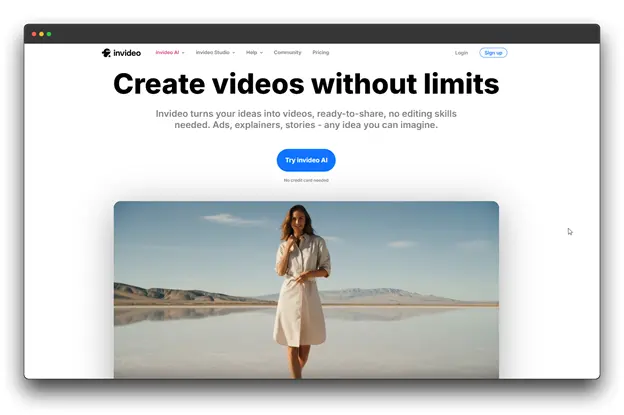
What exactly is InVideo?
A comprehensive platform for creating videos, InVideo blends conventional editing tools with AI-powered capabilities. It has a huge collection of templates and a simple interface, making it a great choice for beginners and experienced users alike.
Key Benefits of InVideo
➕ It can turn written instructions into videos.
➕ Built-in library with stock images, clips, and music
➕ Easy drag-and-drop editor for fast video creation
The ideal users
Content producers, social media marketers, small businesses, and anybody else in need of fast video production without technical know-how.
Things to Note
The free version adds a watermark to videos. To access advanced AI tools, you’ll need to upgrade to a higher plan.
Pricing
Business plans usually start at $60 per month, suitable for making ads, short films, and social content.
How to Choose the Right AI Video Generator
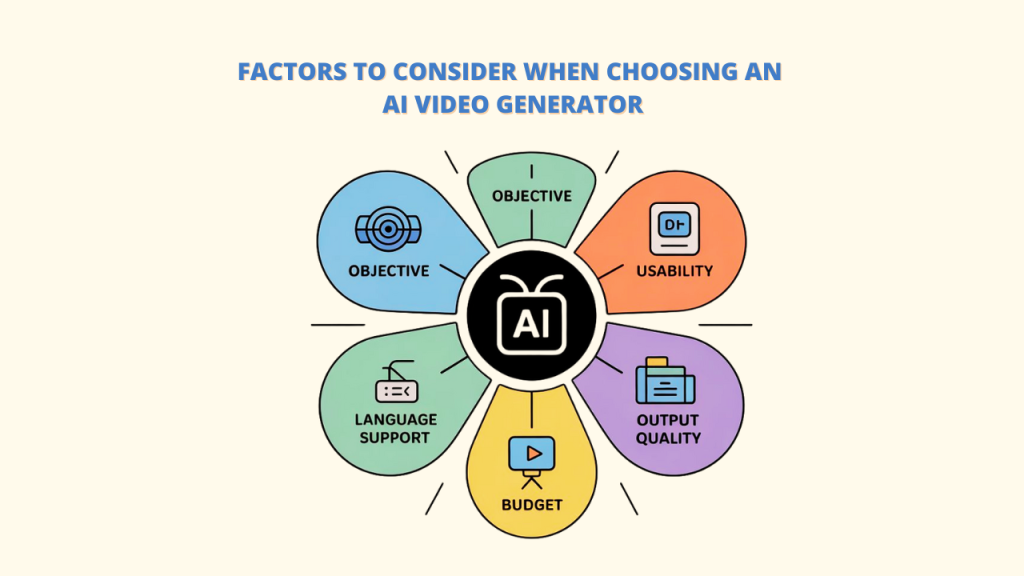
Choosing the right generative AI video tool depends on a few key factors. It’s about finding what best matches your goals and needs. Here are some important points to consider:
A. Describe Your Objective
Are you planning to make explainer generative AI videos, ads, social media clips, or online courses? Knowing your main goal helps you select the right tool. Different generative AI video tools specialize in different things; for example, Vidko is great for trying various AI styles, while Pictory AI works well for turning written content into videos.
B. Take UI/UX and Usability into Account:
Even powerful tools won’t help much if they’re hard to use or lack good support. When choosing a platform, make sure it has an intuitive user interface that fits your comfort level and that it provides helpful customer support.
C. Check for Multilingual Support
If your audience speaks different languages, pick a generative AI video tool that offers multilingual support. Many AI video platforms now come with avatars and voiceovers that can speak several languages.
D. Budget and Subscription Models
Think about how often you’ll use the tool. Some platforms charge per video, while others use a monthly or yearly subscription. Compare costs and features to see which plan offers the best value for your needs.
E. Quality of Avatars, Voices, and Animations
Video quality matters. Look for tools that deliver HD videos, realistic avatars, natural-sounding voices, and smooth animations. Always try a demo or test video before subscribing. Tools like Vidko often offer cutting-edge features to ensure high-quality results.
Real-World Use Cases: How People Are Using Generative AI Video Tools
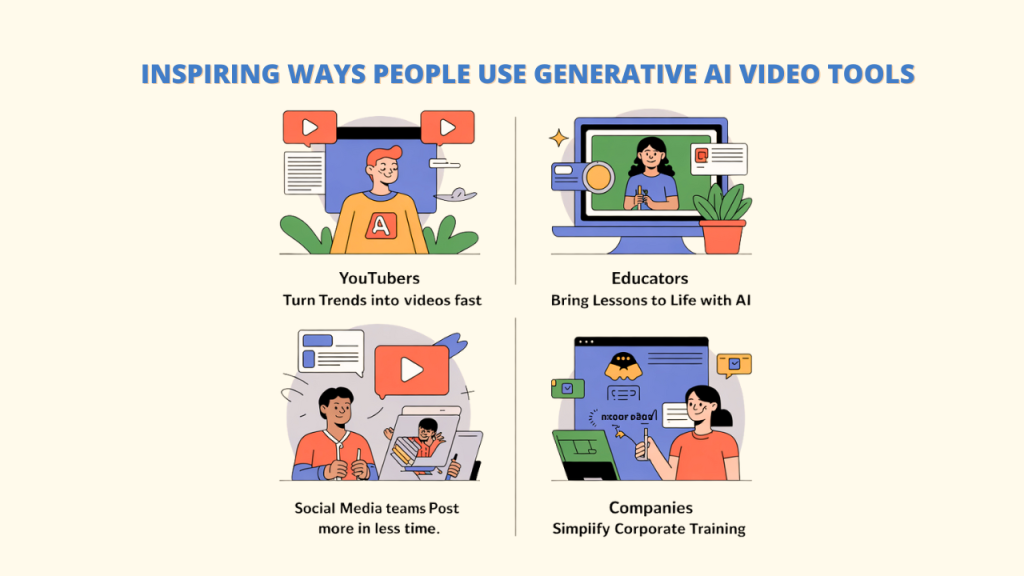
Ever wondered how creators and businesses are using these generative AI video tools? Let’s take a look at what’s happening out there; you might even see your use case in the mix:
🎥 YouTube Creators Are Staying Ahead of the Curve
YouTubers can use generative AI video tools to quickly turn trending topics into polished and visually appealing videos with auto-generated scripts and thumbnails, which helps them post fast and stay relevant with the trends.
📚 AI Is Helping Teachers Bring Lessons to Life
With just a few clicks, educators can use AI video tools to transform text or images into captivating videos, simplifying difficult subjects through animation and visuals.
This demonstrates how AI empowers users through tools like Vidko, which make it simple to create videos in any style without breaking the bank.
📱 Social Media Teams Are Creating More, Faster
As you are aware, social media managers can now easily create daily videos without the need for full production teams. What once took days now takes hours, resulting in increased content output and engagement.
🧑💼 Corporate Training Made Easy with AI
Last but not least, companies have progressed by utilizing video tools and artificial intelligence (AI) to instantly update training videos without requiring reshoots or extra costs. It ensures that content is always up-to-date and consistent.
Conclusion
Now that you’ve reached the end of this article, I hope it’s much clearer to you that generative AI video tools are more than just a passing trend. They represent a major change in how videos are created and shared today.
Pretty amazing, right?
Whether you’re a solo creator or building a business, AI video tools put powerful storytelling right at your fingertips.
Creating high-quality videos no longer requires expensive equipment or big teams. Many of the tools mentioned above offer trials, so you can try them before committing to a long-term subscription. Platforms like VIDKO make it even easier by giving you access to a wide range of powerful AI models that turn text and images into engaging video content.
Try them out, use your imagination, and see how these tools can transform your workflow. The future of video creation is here, powered by AI and driven by your ideas.
FAQs: Generative AI Video Tools
Q: Is it possible to monetize YouTube using generative AI video tools?
Ans: The majority of AI video tools are capable of producing content that can be made profitable on YouTube. Just make sure your videos follow YouTube’s guidelines and offer original, valuable content for your viewers.
Q: What is the best generative AI video tool for beginners?
Ans: Vidko and Lumen5 are excellent starting points due to their easy-to-use interfaces and extensive template libraries. For newcomers, they provide the best balance between professional output quality and ease of use.
Q: How do I choose among different AI video tools?
Ans: First, you should think about your main use case, your budget, your technical know-how, and the quality of the output you want. Most tools offer free trials, so testing 2-3 options is the best way to determine which fits your needs and brand.
Q: Are AI video tools capable of taking the place of human editors?
Ans: AI video tools are powerful assistants rather than replacements in today’s era. They excel at automating routine tasks, generating initial cuts, and creating template-based content. For high-impact video content, human creativity, storytelling, and strategic thinking are still essential. You can get help from platforms like Vidko.