
Turning a blog post, script, or idea into a video now takes only a few seconds. In 2025, this fast text-to-video creation has become standard.
Video dominates every platform from TikTok to YouTube Shorts. AI text-to-video tools make this easy by letting you paste your text and instantly get a complete video with scenes, voice-overs, effects, and music.
These tools have improved quickly. Today, you can turn long articles, product details, or marketing messages into clean, ready-to-share videos in minutes. Whether you need ads, social media clips, explainers, or training videos, AI helps you create them without editing skills.
No camera. No editing software. Just your text.
If you want to create more videos without spending much time or money, this guide is for you.
This article will help you understand how text-to-video AI functions, what features are important, how to choose the best text-to-video AI tools, and how to choose the top 8 solutions for 2025.
How Does Text-to-Video AI Operate and What It Can Do?
Imagine typing a short description and watching it turn into a complete video. Text to video AI tools make this possible by reading your script or prompt and generating scenes, motion, sound, and a finished output.
Instead of manually filming, editing, or adding effects, the AI takes your text, understands the meaning, and builds each frame step by step. Modern systems like diffusion models and transformer-based models help the tool create smooth visuals, motion, and audio that all match your prompt.
Here’s how the process comes together for Text-to-Video AI:
➕ Prompt Input
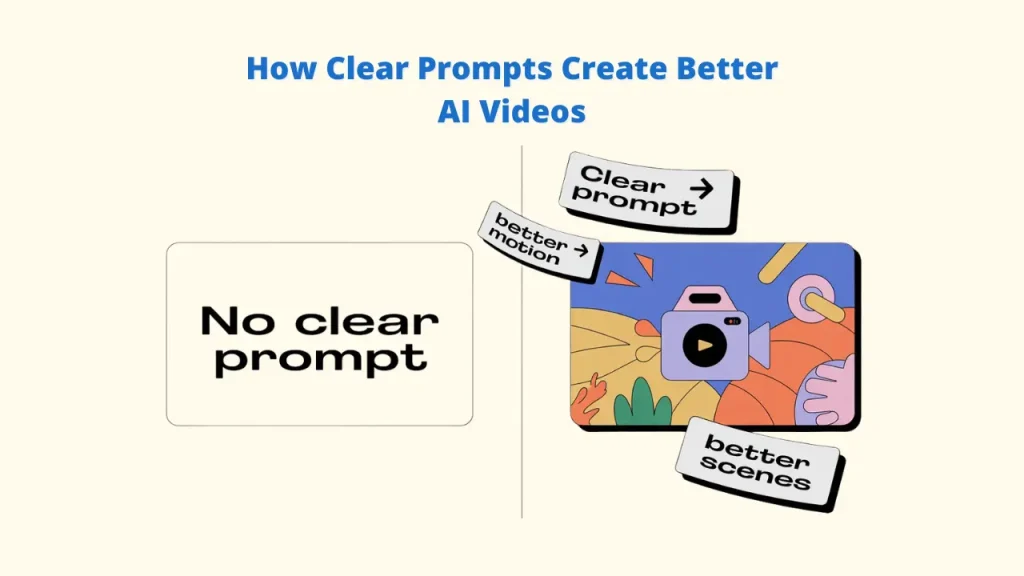
Your video’s quality depends on how clearly the prompt is written.
Clear text = better scenes, cleaner motion, and more accurate visuals, all of which help us produce high-quality videos. A tool like Vidko can easily create videos in any genre or style and can be easily converted to any other model.
➕ Visual Creation
The text-to-video AI produces the actual video clips, including objects, backgrounds, camera movement, and transitions.
➕ Scene Planning
It arranges scenes in the right order so the video flows naturally instead of looking random.
➕ Audio Matching
The tool adds voice-over, music, and ambient sounds to make the final video sound complete.
These steps make it possible for anyone to turn simple text into a ready-to-share video with no camera work or editing experience. Your words guide the AI while it builds the full visual and audio experience.
How To Choose the Best Text-to-Video AI Tools
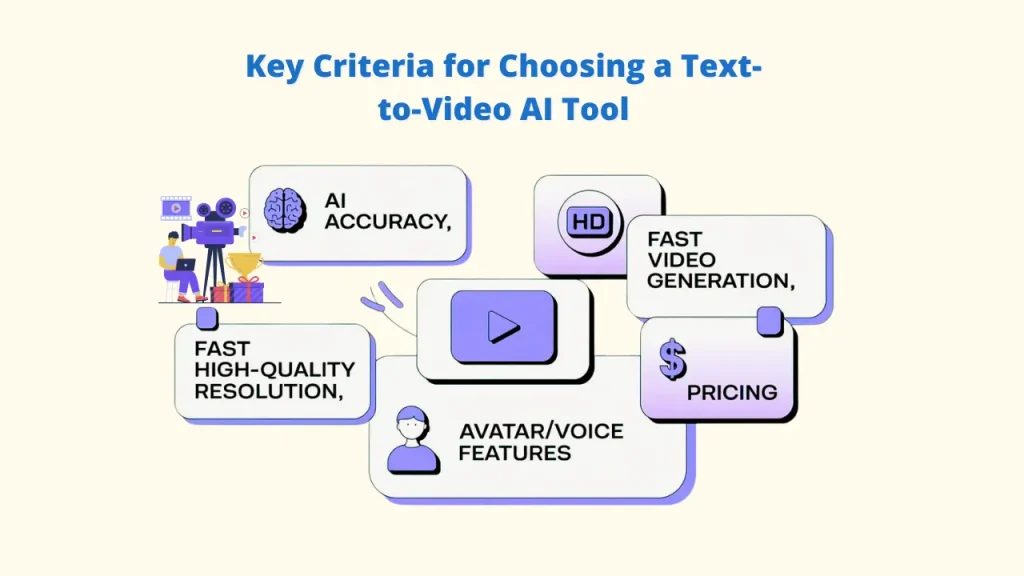
The following non-negotiable criteria, which represent the demands of 2025 creators, were used to select our top 10 list of the best text-to-video AI:
| Criteria | Importance | Rationale |
| AI Accuracy & Creativity | High | The ability to carry out complex, non-obvious prompts while remaining character and scene-consistent. |
| Speed & Usability | High | The 30-second clip generation time and the user-friendliness for a non-professional editor. |
| Output Quality (Resolution, Realism) | Critical | Natural motion physics, at least 1080p resolution, and minimal visual “glitches” or artifacts are required. Vidko has several of the best AIs for creating videos. |
| Avatar & Voice Options | Medium-High | High-quality, multilingual text-to-speech voices (e.g., ElevenLabs integration) and lifelike digital human avatars are available. |
| Pricing and Accessibility | Medium | A clear, transparent pricing structure with a viable free/trial plan or a strong cost-to-value ratio for paid subscriptions. |
Top 8 Text-to-Video AI Tools (2025 Comprehensive Review)
1. Vidko
About the Tool
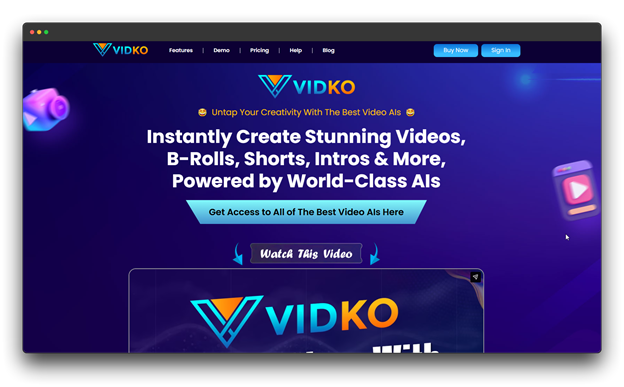
Vidko is a multi-AI text-to-video platform that aggregates top-generation models. It supports text-to-video and image-to-video generation across diverse styles, including live-action, 3D, animation, anime, doodle, and cinematic formats.
A standout feature of Vidko is its agency and white-label licensing, which allows businesses to create and manage client accounts under their own branding.
Benefits
🔺 Use multiple premium AI models in one platform
🔺 Create videos from text or images
🔺 Agency and white-label options for reselling
🔺 Supports 30+ video styles and formats
Drawbacks
🔻 Slight learning curve because each AI model works differently
Ideal For
Agencies, small and mid-size businesses, and entrepreneurs who want to offer AI video services or handle multiple models in one dashboard.
Pricing: $17 per month
2. OpenAI Sora 2
About the Tool
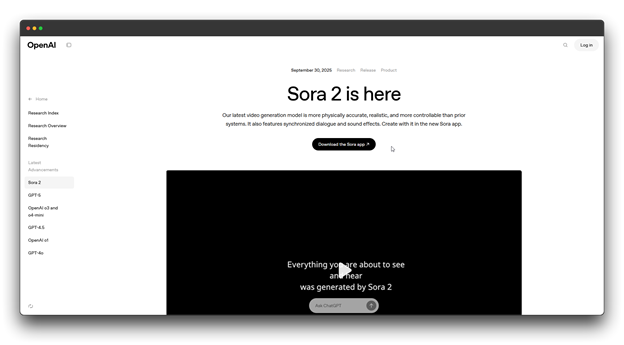
Sora 2 uses a diffusion transformer model to create highly realistic videos from simple text prompts. It can generate dialogue, sound effects, and background audio while keeping physics, lighting, and motion consistent, giving your videos a true cinematic feel.
Benefits
🔺 Creates videos with matched dialogue, music, and ambient sounds
🔺 Strong lip-sync accuracy and multi-scene video creation
🔺 Offers storyboard-style planning for better storytelling
Drawbacks
🔻 Requires a ChatGPT Plus or Pro plan
🔻 Sometimes shows small glitches or motion issues
🔻 Works on a credit-based system
Ideal For
Filmmakers, advertisers, and digital creators who want to produce concept videos, cinematic clips, or story-driven content. Also great for brands and social media creators who want high-quality, narrative-style AI videos.
Pricing: $20 per month
3. Google Veo 3
About the Tool
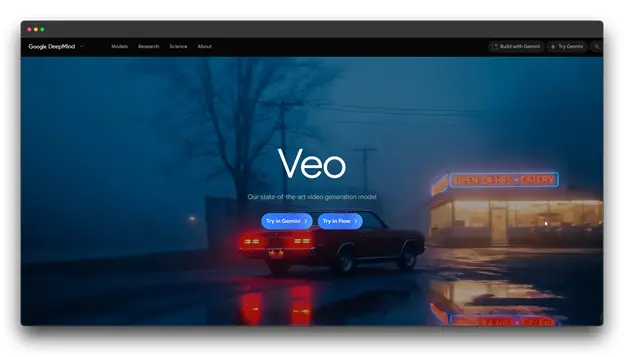
The Google Veo 3 is the company’s most recent advancement in AI video production and text-to-video AI. It delivers more realistic visuals, better character consistency, and stronger cinematic control.
When paired with Google Flow, it becomes a full production system, offering tools like Ingredients to Video using a text to video AI for seamless integration, Frames to Video, Extend, and Insert/Remove for smooth scene building and editing.
Benefits
🔺 Produces lifelike visuals with advanced lighting and motion
🔺 Can generate dialogue, music, and ambient background audio
🔺 Keeps characters consistent across multiple scenes
🔺 Fully connects with Google Workspace, Gemini, and Vertex AI
Drawbacks
🔻 Currently available only in the U.S.
🔻 Base video clips are limited to 8 seconds each
Ideal For
Businesses and marketing teams are seeking AI videos with cinematic quality and precise control over lighting, camera angles, and multilingual narration. For people who are already employed by Google’s Workspace or Gemini ecosystem, it is extremely helpful.
Pricing: $50.00
4. Pictory
About the Tool
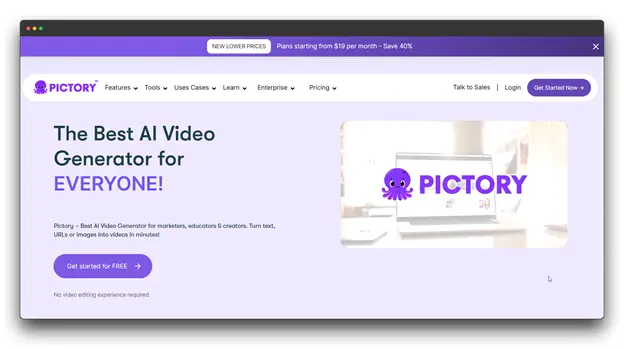
Pictory is a text-to-video AI tool that turns written content like blogs, articles, scripts, or transcripts into engaging videos. It also offers a highlight feature that pulls key moments from podcasts or webinars and converts them into short, shareable clips.
Benefits
🔺 Automatically creates videos from text or audio
🔺 Includes captions, subtitles, and background music
🔺 Offers a big library of licensed stock videos and images
🔺 Easy, fast editing suited for beginners
Drawbacks
🔻 Limited creative freedom
🔻 Relies heavily on stock footage
Ideal For
Content marketers, educators, bloggers, and social media managers who want to quickly repurpose written content into polished videos for YouTube, Instagram, LinkedIn, and other platforms.
Pricing: $29 per month
5. Renderforest
About the Tool
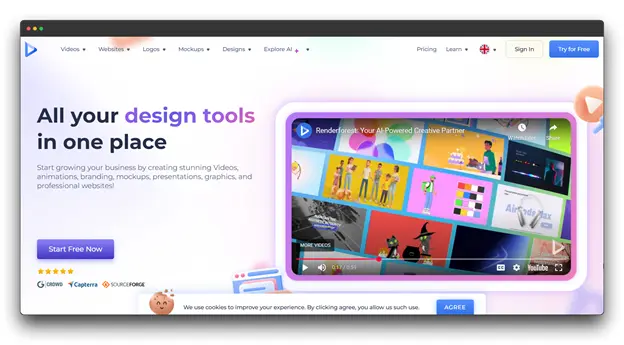
A platform for creating AI videos and branding, Renderforest provides thousands of editable templates.
It comes with AI-powered text-to-video creation, supports multiple languages for voiceovers, and offers an easy drag-and-drop editor. Even beginners can use it without any editing skills, making it a complete creative tool for individuals and small businesses.
Benefits
🔺 More than 1,000 preset video templates
🔺 AI voiceovers available in many languages and accents
🔺 Built-in branding tools for logos, colors, and fonts
🔺 Quick rendering and simple export settings
Drawbacks
🔻 Using templates restricts creativity
🔻 Some older templates appear outdated
🔻 Fewer advanced editing or cinematic options
Ideal For
Small businesses, educators, and beginners who need fast, branded video content for social media, training, or marketing without using complex editing tools.
Pricing: $37.13 per month
6. Adobe Firefly (Video Model)
About the Tool
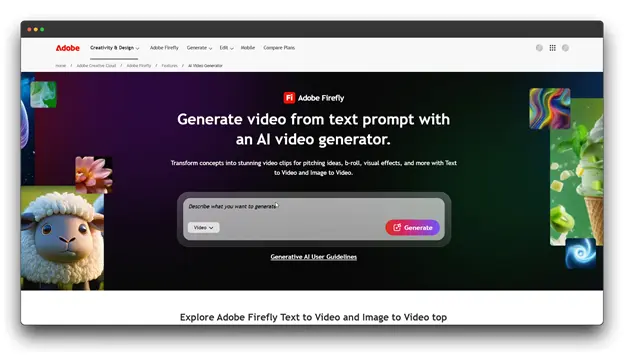
Adobe’s AI-driven video generator, Adobe Firefly’s Video Model, is integrated into Creative Cloud. It allows producers to plan, create, and edit videos in a single workspace by integrating seamlessly with Premiere Pro and After Effects.
Benefits
🔺 Integrates exclusively with Luma AI’s Ray3 engine.
🔺 Integrated Firefly Boards for scene design and storyboarding
🔺 Verified content credentials and commercial license
Drawbacks
🔻 Requires a Creative Cloud subscription
🔻 Limited to 10-second clips per generation
🔻 High cost for non-Adobe users
🔻 Steep learning curve for beginners
Ideal For
Professional editors, agencies, filmmakers, and VFX artists who already use Adobe tools and need AI video generation that fits directly into their normal production workflow.
Pricing : $59.99 per month
7. HeyGen
About the Tool
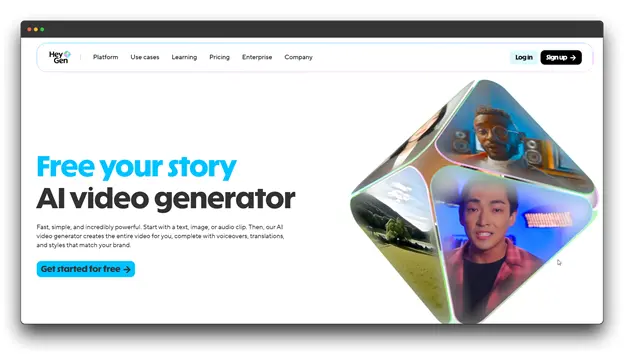
HeyGen is a leading AI avatar video platform that creates lifelike talking-head videos using realistic virtual presenters. Users can generate videos by simply writing a script, choosing an avatar and voice, and letting the AI handle lip-syncing, gestures, and delivery.
Benefits
🔺 Instant avatar creation from uploaded media
🔺 Built-in translation and dubbing for global reach
🔺 Fast generation and easy drag-and-drop editing
🔺 Ideal for professional, camera-free video production
Drawbacks
🔻 Limited to presenter-style videos
🔻 Not suited for cinematic or scene-based content
🔻 Some avatars still appear slightly artificial
Ideal For
Businesses, marketers, educators, and trainers creating presentations, explainers, onboarding videos, and multilingual content without the need for cameras or actors.
Pricing : $39/seat/month
8. Vidatia
About the Tool
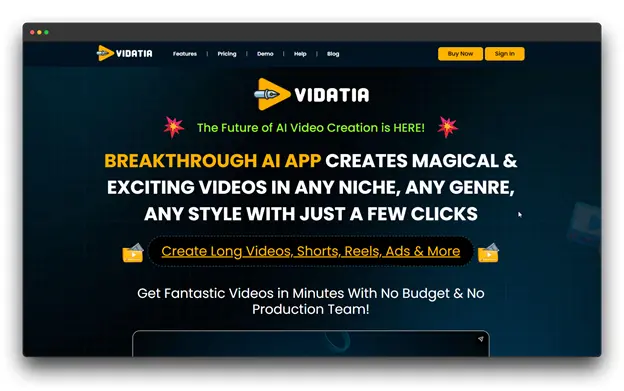
Vidatia is a desktop-based AI video creation app by Teknikforce, designed for faceless video production. It automates the entire process from script generation and visual selection to voiceover creation and music integration, allowing users to produce professional videos without appearing on camera.
Benefits
🔺 Fully automated video creation workflow
🔺 Desktop app with instant rendering (no queues)
🔺 Multi-AI integration for scripting and voiceovers
🔺 Ideal for faceless YouTube and marketing content
Drawbacks
🔻 Occasional performance glitches reported
Ideal For
YouTube automation creators, affiliate marketers, e-commerce sellers, and content entrepreneurs producing faceless videos at scale without technical expertise.
Pricing: $47 per month
Text-to-Video AI Generators Comparison table (2025)
| Tool | Price | Best For | Key Benefits |
| Vidko | $17/mo | Agencies, SMBs, creators | Multi-model access, 30+ styles, text & image-to-video, white-label |
| OpenAI Sora 2 | $20/mo | Filmmakers, advertisers | Cinematic realism, dialogue + audio, multi-scene, storyboard |
| Google Veo 3 | $50/mo | Pro creators, enterprises | High realism, consistent characters, audio, Google ecosystem |
| Pictory | $29/mo | Marketers, educators | Auto text-to-video, captions, stock media, easy editing |
| Renderforest | $37.13/mo | Small businesses, beginners | 1,000+ templates, AI voiceovers, branding tools |
| Adobe Firefly Video | $59.99/mo | Editors, filmmakers | HDR output, Ray3 engine, storyboards, Adobe workflow |
| HeyGen | $39/seat/mo | Business explainers, training | Lifelike avatars, translations, fast generation |
| Vidatia | $47/mo | YouTube automation, marketers | Auto faceless video desktop app |
Future of Text-to-Video AI tools (2025 & Beyond)
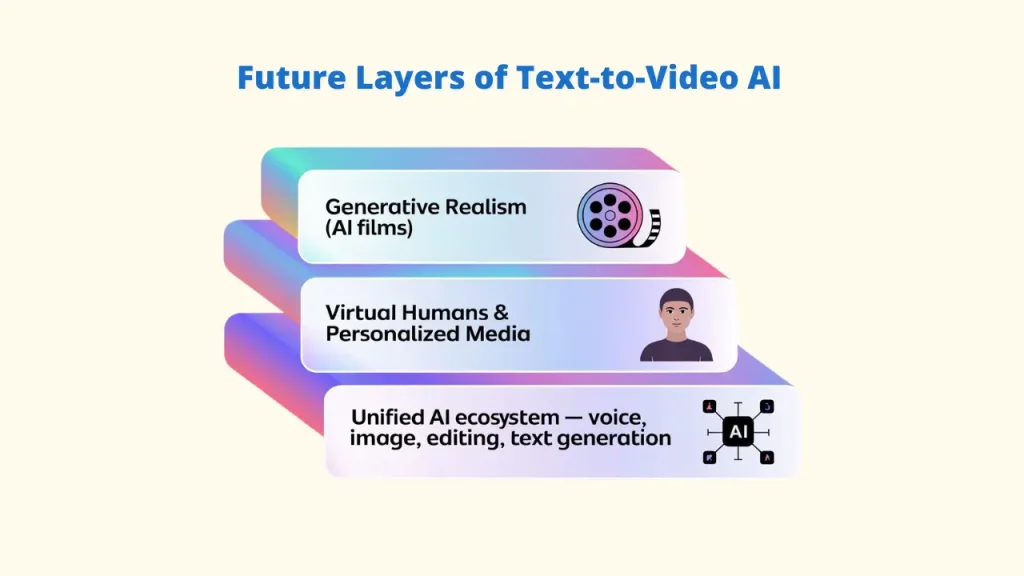
A. Generative Realism: AI Films Are Coming
Text-to-Video AI tools are moving toward a point where full short films can be created directly from a script. Systems such as Vidko and Veo 3 already produce multi-shot videos with consistent characters and realistic motion.
Growth in these models may lead to AI-generated full-length movies, personalized entertainment, and videos that adapt to each viewer’s preferences.
B. Personalized Media and Virtual Humans
Imagine trusted virtual presenters, digital influencers who work around the clock, and custom video messages delivered by lifelike virtual personalities.
Text-to-video AI will create digital humans that feel increasingly real. The line between real and synthetic content will continue to narrow, encouraging new guidelines and regulations to shape this emerging space.
C. Integration with Voice & Image AIs
The future is not about separate text-to-video AI tools; it’s about everything working as one. Text-to-video, voice cloning, image generation, and video editing tools will merge into a single platform.
You’ll simply describe an idea, and text into videos AI will take care of the entire process: writing the script, planning the shots, generating visuals, adding voices, editing, and delivering the final video.
This shift will remove nearly all barriers, making professional-level content easy for anyone to create.
Conclusion
Video creation has changed for good. Tasks that once required filming, editing, and hiring experts can now be done in just a few minutes simply by typing your idea. As you move further into 2025, text-to-video AI tools are becoming even faster, smarter, and more creative.
Whether you’re a creator, marketer, or business owner, text-to-video AI gives you a real edge. You can create more content in less time, turn any text into an engaging video, and grab attention in a crowded online world.
If you want an easy, affordable, and beginner-friendly tool that delivers high-quality videos without technical steps, Vidko is a great choice. Its simple workflows make it perfect for anyone who wants consistent video output without hiring editors.
The era of plain text is fading; your words can now move, speak, and inspire. Start turning your ideas into videos today, and stay ahead in the new age of AI-powered storytelling.