
If you’re a freelancer, you’ve probably noticed one thing “video is everywhere.” But making videos by hand takes a lot of time, effort, and money.
Here’s the surprising part: manual video editing can eat up more than 40% of your workweek, leaving you with less time for clients and almost no space to grow your business.
Freelancers today handle everything: writing scripts, editing clips, doing voiceovers, making thumbnails, fixing client revisions, and running after deadlines.
This is where AI steps in and changes everything.
AI video tools cut down the hardest tasks and remove the heavy workload by automating what usually takes the most time.
And the real win? These AI video tools for freelancers can turn hours or even days of editing into a few minutes. They don’t just speed up your process; they help you create more without extra hands or extra costs.
In this blog, you will discover:
✔ The top 7 AI video tools for freelancers to use
✔ What each tool does, key benefits, pricing, and who it’s best for
✔ Best Practices to get better results with AI
💡 Why Do Freelancers Need an AI Video Tool?
The content landscape is no longer about static images or text; it's overwhelmingly video-dominant. Clients demand a presence on YouTube, TikTok, Instagram Reels, and LinkedIn, all requiring different formats and fast turnaround.
The New Era of Content Creation
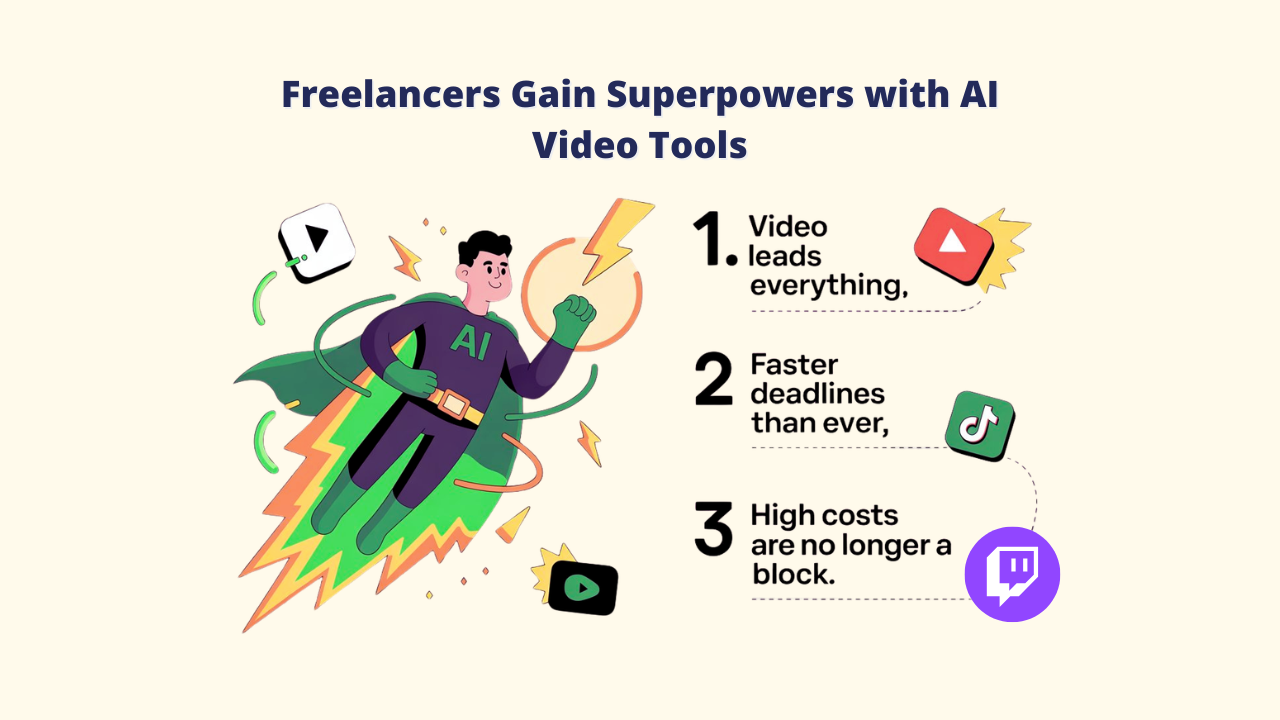
✔️ Video Leads Everything: From brand explainers to short TikTok ads, video is now the most powerful way to capture attention, and every client wants it.
✔️ Faster Deadlines Than Ever: Long editing cycles are gone, and clients will expect quick clips, repurposed content, and social-ready videos within days or even hours.
✔️ High Costs Are No Longer a Block: Traditional production demanded pricey gear, studios, and specialized editors. These obstacles are eliminated by an AI video tool for freelancers, which makes it simple for one independent contractor to create videos of studio caliber.
Key Benefits of an AI Video Tool for Freelancers
1. Time Efficiency: From Hours to Minutes
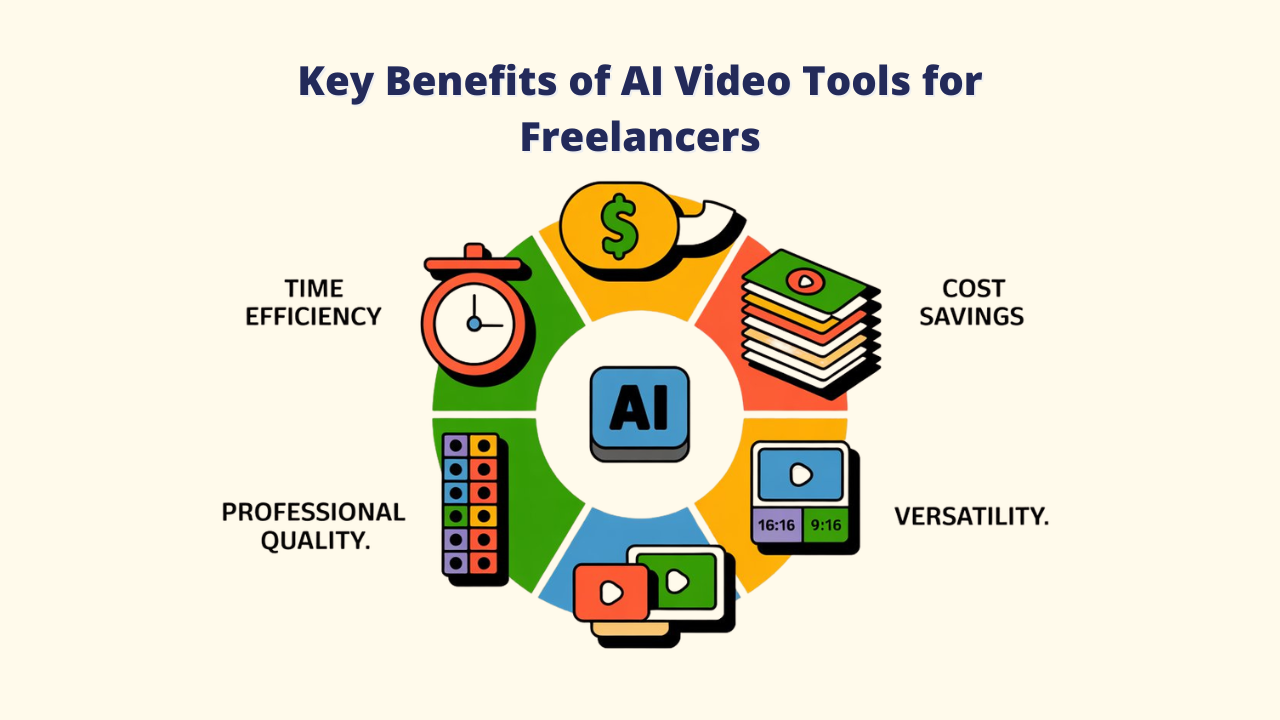
An AI video tool for freelancers can shrink hours of work into minutes. A 45-minute video can instantly become multiple ready-to-share clips. Jobs like color correction, subtitles, and audio fixes now happen with one click, giving you more time for real creative work.
A great option is Vidko, a powerful multi-AI video platform that can even turn a still image into a lively moving video.
2. Cost Savings: Do More With Less
Forget costly equipment, studios, or large editing teams. One AI tool can handle scripting, editing, and voiceovers, giving you pro-level results at a much lower cost.
3. Scalability: More Projects, Less Burnout
AI helps freelancers grow faster. Over 65% save time, and many see up to 30% more earnings. You can take on more clients without adding extra hours to your day.
4. Professional Quality: Studio-Level Results
Get access to effects and features that once required big studios. AI boosts visuals, edits, and overall quality, making your videos look polished and agency-ready.
5. Versatility: Create Once, Publish Everywhere
Easily reuse a single video on different platforms. AI video tool for freelancers maximizes reach and engagement with little effort by automatically optimizing for YouTube, TikTok, Instagram, and LinkedIn.
7 Must-Have AI Video Tools for Freelancers
1. Vidko
An overview

Vidko is a fast, all-in-one AI video tool for freelancers that helps you create professional videos from text or ideas. It combines top models like Minimax, Hunyuan, Kling AI, Luma, HAIPER, Gen-3, and Veo 2 in one easy dashboard, so you don’t need multiple tools or subscriptions.
Key Benefits
➕ Multi-AI Power: Create videos in live-action, anime, 3D, or animation styles
➕ Always Updated: All new AI models added automatically
➕ Full Commercial Rights: Create and sell videos freely
➕ Agency & Reseller Access: Build an AI video service with white-label.
➕ No Tech Skills: Describe your idea, and Vidko’s AI brings it to life.
Perfect For
- Freelancers needing multi-style video creation
- Agencies offering AI video services
- Entrepreneurs launching AI-based production businesses
💡 Pro Tip: Use Vidko’s multi-AI comparison feature to test the same prompt across different models and pick the best version instantly.
2. Runway ML
An Overview

One of the AI video tools for freelancers is Runway ML, which is renowned for its sophisticated text-to-video capabilities.
Powered by the Gen-3 Alpha and Gen-4 models, it produces cinematic, high-quality videos with strong creative control, all from a cloud-based workspace. It’s widely used by studios, filmmakers, and freelancers.
Key Benefits
➕ Text-to-Video: Paste text or a URL to auto-generate visuals, music, and captions.
➕ Text-Based Editing: Change the script, and the video updates instantly.
➕ Blog-to-Video: Quickly turn articles into short video summaries.
➕ Branded Templates: Keep your visual style consistent.
Perfect For
- Bloggers and marketers repurposing written content
- Agencies making explainers and promos
- Educators and small businesses creating branded videos
💡 Pro Tip
Use Article-to-Video to refresh old blog posts and improve SEO with video content.
3. Opus Clip
An Overview:

Opus Clip is an AI-powered repurposing tool that converts long-form videos like podcasts and webinars into viral short-form clips for social media. It could be an excellent option for freelancers seeking an AI video tool. It adds captions, emojis, and B-roll automatically, saving creators hours of manual editing.
Key Benefits
➕ Virality Score: AI detects engaging moments and predicts performance potential.
➕ AI B-Roll: Auto-generates contextual visuals and overlays for added impact.
➕ Auto Scheduler: Post directly to major platforms from within the app.
➕ Smart Captions: Over 97% accurate, with customizable viral-style templates.
Perfect For
- Podcasters and YouTubers repurposing long content
- Social media managers posting daily short videos
- Marketing teams creating lots of clips fast
💡 Pro Tip
Use ClipAnything for smarter AI clipping; it finds high-impact moments far better than standard scene detection.
4. VEED
An Overview

VEED is an easy, browser-based AI video editor that works without any installation. It offers auto-captions, voice dubbing, AI avatars, and complete editing tools, making it fast and convenient for freelancers and remote teams who need quick, hassle-free video creation.
Key Benefits
➕ Works in Browser: Edit on any device without downloading software.
➕ AI Subtitles & Translation: Auto-caption in 50+ languages.
➕ Eye Contact Correction: Keeps speakers looking camera-focused.
➕ Team-Friendly: Real-time editing and feedback.
Perfect For
- Remote teams creating videos together
- Freelancers needing quick, browser-based editing
- Creators making tutorials or multilingual content
💡 Pro Tip
Use Eye Contact Correction to create smooth, natural talking-head videos no teleprompter needed.
5. Pictory
An Overview

Pictory is an AI video tool that turns your scripts, blog posts, and articles into clean, professional videos, no editing experience needed. Anyone looking to turn written content into captivating visual narratives will find it to be an excellent AI video tool for freelancers.
Key Benefits
➕ Text-to-Video: Paste text or a URL to auto-generate visuals, music, and captions.
➕ Text-Based Editing: Change the script, and the video updates instantly.
➕ Blog-to-Video: Quickly turn articles into short video summaries.
➕ Branded Templates: Keep your visual style consistent.
Perfect For
- Bloggers and marketers repurposing written content
- Agencies making explainers and promos
- Educators and small businesses creating branded videos
💡 Pro Tip
Use Article-to-Video to refresh old blog posts and improve SEO with video content.
6. Vidatia
An Overview

Vidatia is a fast-growing AI video tool designed to be simple, affordable, and accessible. It’s especially popular among freelancers in India and other global regions because of its strong language support and budget-friendly plans.
Key Benefits
➕ Local-Friendly Design: Fits regional styles and user needs.
➕ Affordable Plans: Ideal for freelancers and small teams.
➕ Multi-Language Support: Great for creating content in different regional languages.
➕ Cloud-Based: Works fully online, no software to install.
Perfect For
- Freelancers in India and nearby regions
- Creators making multilingual videos
- Budget-conscious professionals and small businesses
💡 Pro Tip
Use Vidatia’s support team for quick tips on improving your regional and multi-language content.
7. InVideo AI
An Overview

InVideo AI is a powerful pick for freelancers because it can turn simple text prompts into full videos.
It creates scripts, finds media, adds voiceovers, and handles editing, making video creation fast and flexible. It blends smart AI generation with classic template editing, giving you full control when you need it.
Key Benefits
➕ AI Idea-to-Video: Type your idea and get a complete video instantly.
➕ Text-Based Editing: Change scenes or voiceovers by typing simple commands.
➕ Several templates: Ready-made designs for any niche or platform.
➕ iStock Library: Millions of royalty-free clips and images.
➕ AI Script Creator: Builds clear, engaging scripts that keep viewers watching.
Perfect For
- YouTubers making regular video content
- Social media managers posting across channels
- Marketers creating ads
- Freelancers needing both AI automation and manual editing
💡 Pro Tip
Use InVideo AI to generate your video, then switch to InVideo Studio for detailed edits when clients need custom changes.
Best Practices for Using AI Video Tool for Freelancers
1. Start with a Clear Objective
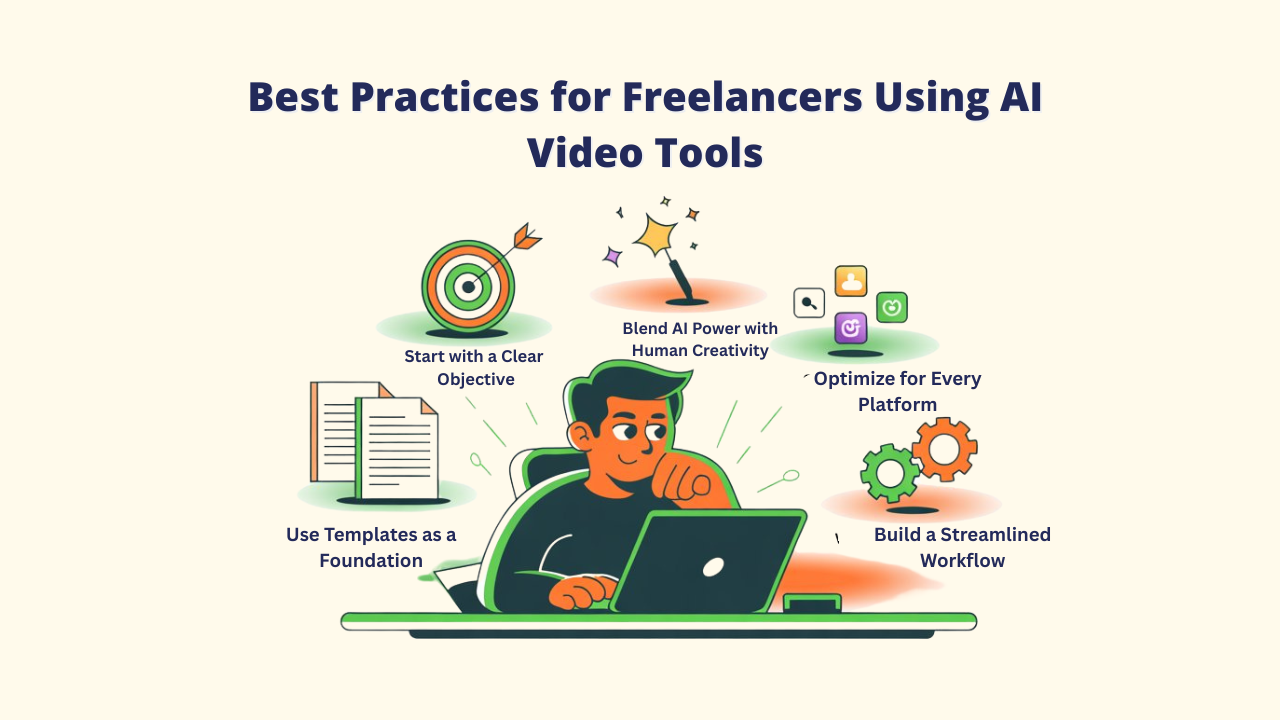
Know what you want your video to achieve before picking any AI video tool for freelancers. Define your purpose, your audience, and the platform you will post on. This helps you choose the right features like 9:16 for TikTok or 16:9 for YouTube and keeps your content aligned with what viewers expect.
2. Use Templates as a Foundation, Not a Final Product
AI templates save time, but personalization increases authenticity. Create visuals, colors, and tone that reflect your brand voice. Experiment by combining tools (e.g., Vidko for creation + Opus Clip for repurposing) to achieve higher quality with less effort.
3. Blend AI Power with Human Creativity
AI takes care of repetitive and technical tasks, but the human touch is what adds story and emotion. Use your ideas to shape the narrative, flow, and feeling of each video so it stands out as your own.
You can experiment with a variety of styles, including hyper-realistic, animation, 3D, anime, and doodling, with the help of Vidko.
4. Optimize for Every Platform
Every social channel works differently. Customize captions, hooks, formats, thumbnails, and intros for YouTube, TikTok, Instagram, and LinkedIn. This small step can boost your reach and viewer engagement.
5. Build a Streamlined Workflow
Create a system you can use again and again. Save templates, batch-edit your videos, and keep review steps to ensure quality. This keeps your work organized, fast, and ready for clients at any time.
Conclusion: Scale Smarter, Create Faster with AI
AI video tools for freelancers are more than time-savers; they act like power boosters for freelancers. With the right platforms, you can let AI handle the heavy tasks while you focus on ideas, stories, and delivering real value to your clients.
Now ask yourself:
👉 Which part of your workflow slows you down the most?
- If video creation takes too long, start with Vidko; its multi-AI system makes it easy to create any kind of video.
- If you want quick social clips, try Opus Clip to turn long videos into multiple short ones in seconds.
🎯 Pro Tip: Begin with one or two tools, learn them well, and build your own smooth AI workflow. That’s where real speed and creativity start to grow.
As you move into the current and beyond, knowing how to work with AI isn’t optional anymore; it’s your new creative advantage. Freelancers who use AI as a partner, not a threat, will stand out and lead the future of digital creation.
FAQs About AI Video Tools for Freelancers
Q: Will AI video tools for freelancers completely replace human video editors?
A1: Not entirely, and that's actually good news for freelancers. AI video tools excel at automation, repetitive tasks, and generating initial drafts. However, human creativity remains essential for strategic storytelling, brand alignment, emotional resonance, and quality control.
Q: How do these tools handle copyright and licensing?
A2: This varies by platform, but most AI video tools for Freelancers include commercial usage rights in their paid plans. Platforms like Vidko specifically include commercial rights that let you sell the videos you make, and tools like Pictory come with libraries of royalty-free stock media.
Q: Can I use several AI video tools for the same project at once?
A3: Absolutely, in fact, we recommend it. Professional freelancers often use a combination of tools: Vidko with top-tier AI models for initial generation, Opus Clip for repurposing, VEED for final edits, and Pictory for text-based conversion.
Q: What happens if I hit my monthly limit on credits or video minutes?
A4: Most platforms allow you to upgrade mid-month or purchase additional credits, with prorated billing for the remainder of your cycle. Monthly limits are nonexistent for some tools, such as Vidko, which has one-time pricing, which can be a great pick.